%20--%3e%3csvg%20width='1105.4181mm'%20height='776.11688mm'%20viewBox='0%200%201105.4181%20776.11688'%20version='1.1'%20id='svg1'%20inkscape:version='1.4%20(e7c3feb1,%202024-10-09)'%20sodipodi:docname='logo-full-bright.svg'%20xmlns:inkscape='http://www.inkscape.org/namespaces/inkscape'%20xmlns:sodipodi='http://sodipodi.sourceforge.net/DTD/sodipodi-0.dtd'%20xmlns='http://www.w3.org/2000/svg'%20xmlns:svg='http://www.w3.org/2000/svg'%3e%3csodipodi:namedview%20id='namedview1'%20pagecolor='%23ffffff'%20bordercolor='%23000000'%20borderopacity='0.25'%20inkscape:showpageshadow='2'%20inkscape:pageopacity='0.0'%20inkscape:pagecheckerboard='0'%20inkscape:deskcolor='%23d1d1d1'%20inkscape:document-units='mm'%20inkscape:zoom='0.077664513'%20inkscape:cx='2652.4341'%20inkscape:cy='-173.82456'%20inkscape:window-width='1512'%20inkscape:window-height='852'%20inkscape:window-x='0'%20inkscape:window-y='38'%20inkscape:window-maximized='0'%20inkscape:current-layer='layer1'%20/%3e%3cdefs%20id='defs1'%20/%3e%3cg%20inkscape:label='Layer%201'%20inkscape:groupmode='layer'%20id='layer1'%20transform='translate(-9.0982812,-182.34047)'%3e%3cpath%20fill='%23fbfbfb'%20d='m%20608.43028,182.95351%20318.67903,0.18711%20c%2059.06525,0.011%20128.52399,-1.84931%20186.95209,0.0661%200.034,72.6293%200.9466,146.98771%200.088,219.46224%20l%20-304.17231,0.19262%20c%2085.14808,185.6286%20178.19627,369.85742%20264.12781,554.87073%20l%20-243.30522,0.009%20-141.3743,-290.81197%20c%20-22.77058,-46.9591%20-82.50027,-159.69523%20-81.25041,-158.85879%200.18271,0.79361%20-0.0221,-95.29455%200.022,-115.29112%20z%20m%20430.76952,132.90505'%20id='path5'%20sodipodi:nodetypes='ccccccccccc'%20style='display:block;fill:%23000000;fill-opacity:1;stroke-width:1.82019'%20/%3e%3cpath%20fill='%23fbfbfb'%20d='m%20515.18406,182.95636%20-318.67918,0.18713%20c%20-59.0652,0.011%20-128.52369,-1.84931%20-186.9518051,0.0661%20-0.032992,72.62929%20-0.9466133,146.9877%20-0.088043,219.46224%20L%20313.63715,402.86444%20C%20228.48865,588.493%20135.44045,772.72183%2049.509221,957.73513%20l%20243.304949,0.009%20141.37428,-290.81195%20c%2022.77058,-46.95911%2082.50039,-159.69524%2081.25043,-158.85891%20-0.18273,0.79361%200.022,-95.29443%20-0.0221,-115.29111%20z%20M%2084.414622,315.86143'%20id='path5-1'%20sodipodi:nodetypes='ccccccccccc'%20style='display:block;fill:%23000000;fill-opacity:1;stroke-width:1.82019'%20/%3e%3cpath%20fill='rgb(251,251,251)'%20d='m%20543.36388,732.32716%20c%2061.77186,-9.74528%20119.83595,32.21383%20129.97441,93.93285%2010.13846,61.71902%20-31.47118,120.03981%20-93.12097,130.55867%20-62.20145,10.61165%20-121.15559,-31.43474%20-131.37781,-93.70346%20-10.22399,-62.26695%2032.19379,-120.95714%2094.52437,-130.78806%20z'%20id='path6'%20style='display:block;fill:%23000000;stroke-width:1.82019'%20/%3e%3c/g%3e%3c/svg%3e)
Find the Gap Between
Backtest and Live Trading
Your TradingView backtest shows 20% returns, but live trading barely breaks even? Discover why your real execution doesn't match your backtesting results and fix the gap with precise analytics.
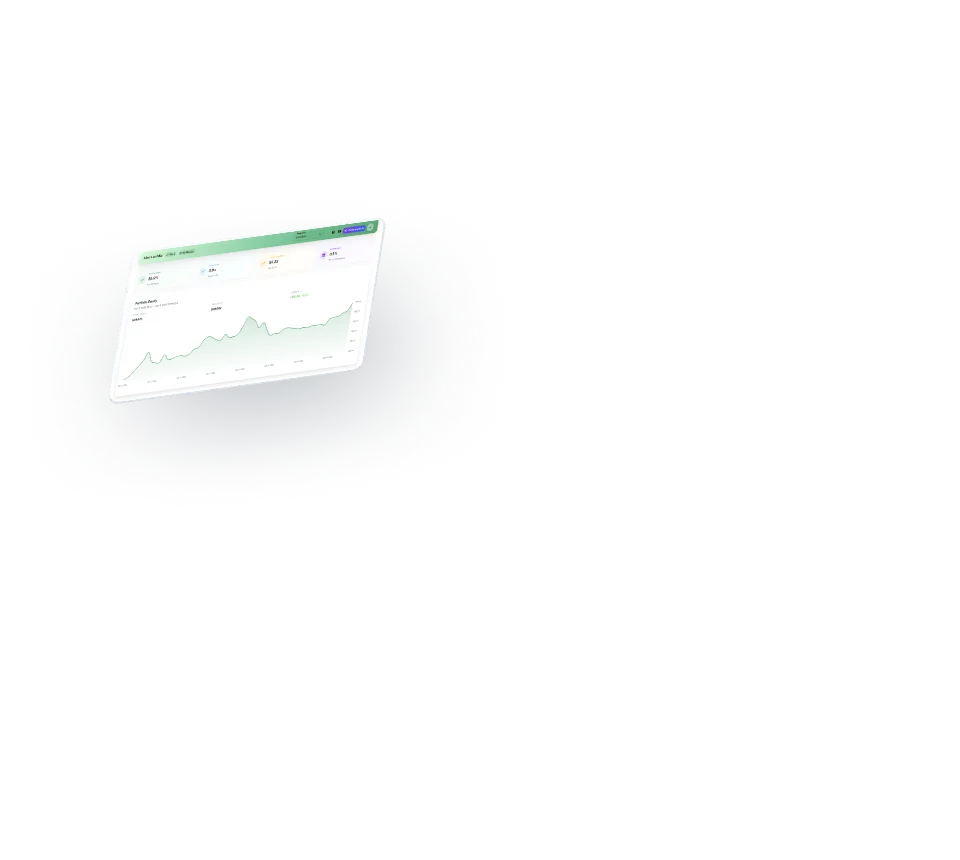
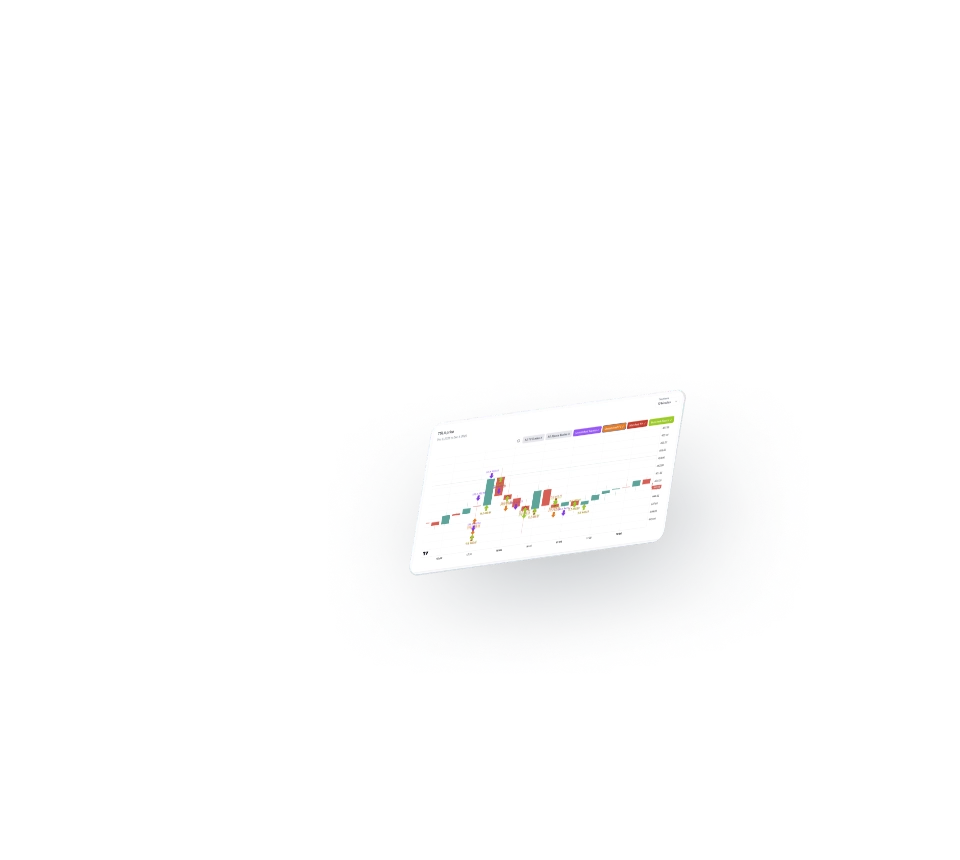
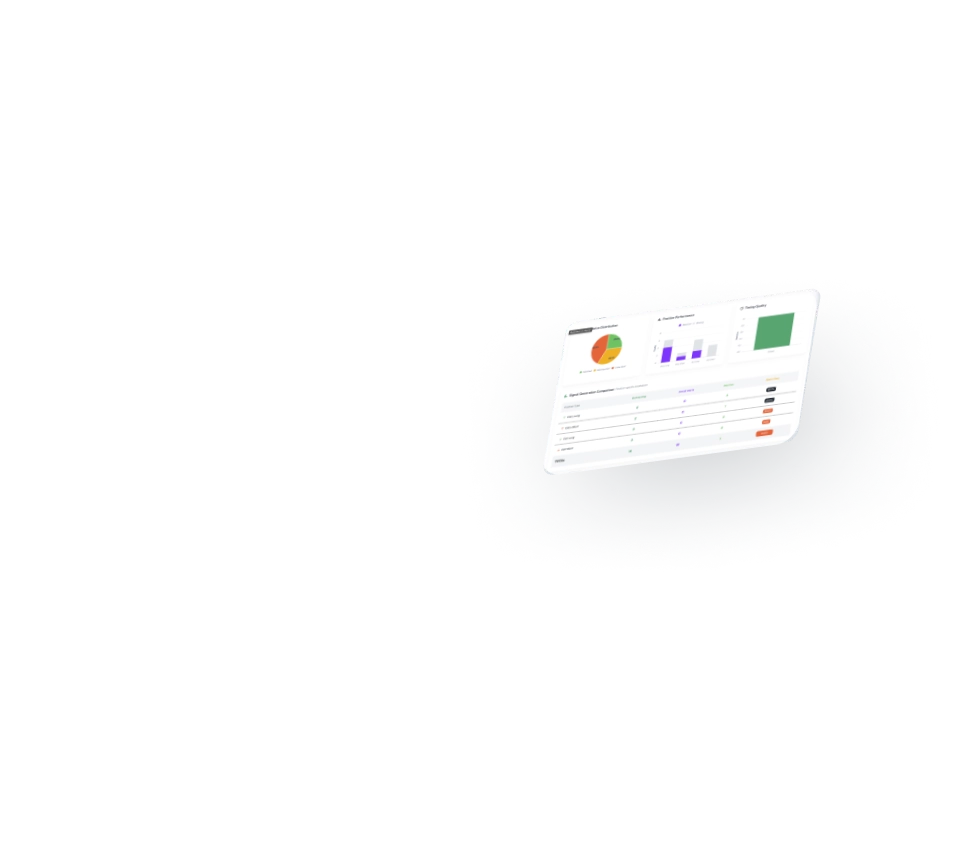
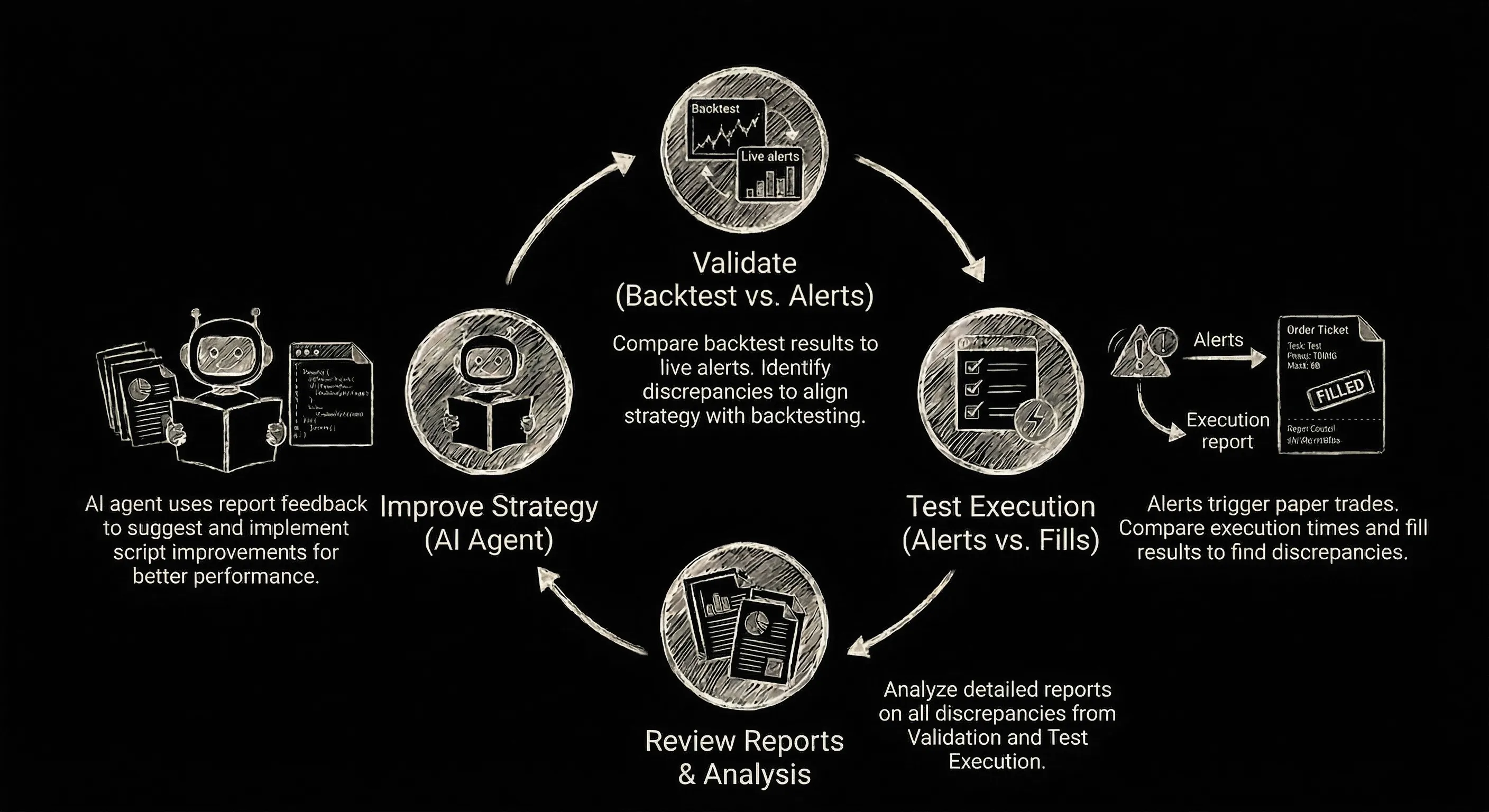
Continuous Strategy Improvement Cycle
Close the feedback loop between strategy development and live execution. Each iteration brings you closer to reliable, profitable trading.
Algo Trade Analytics platform
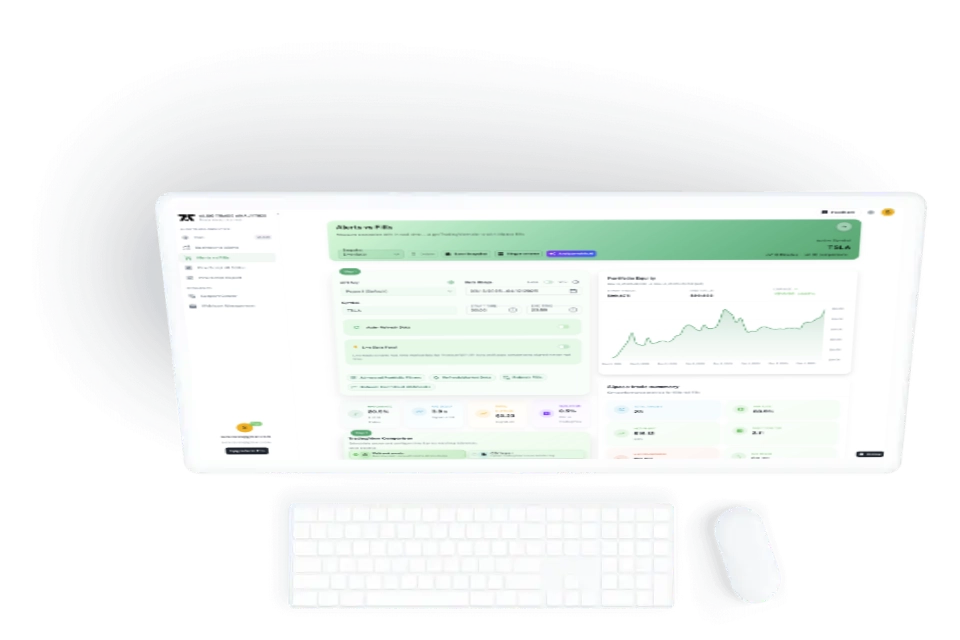
Your backtests look great, but live fills lag behind. Algo Trade Analytics shows you exactly where your TradingView alerts and brokerage executions diverge, so you can fix slippage, timing, and logic gaps before they cost you real money.
Flexible comparisons, one workspace
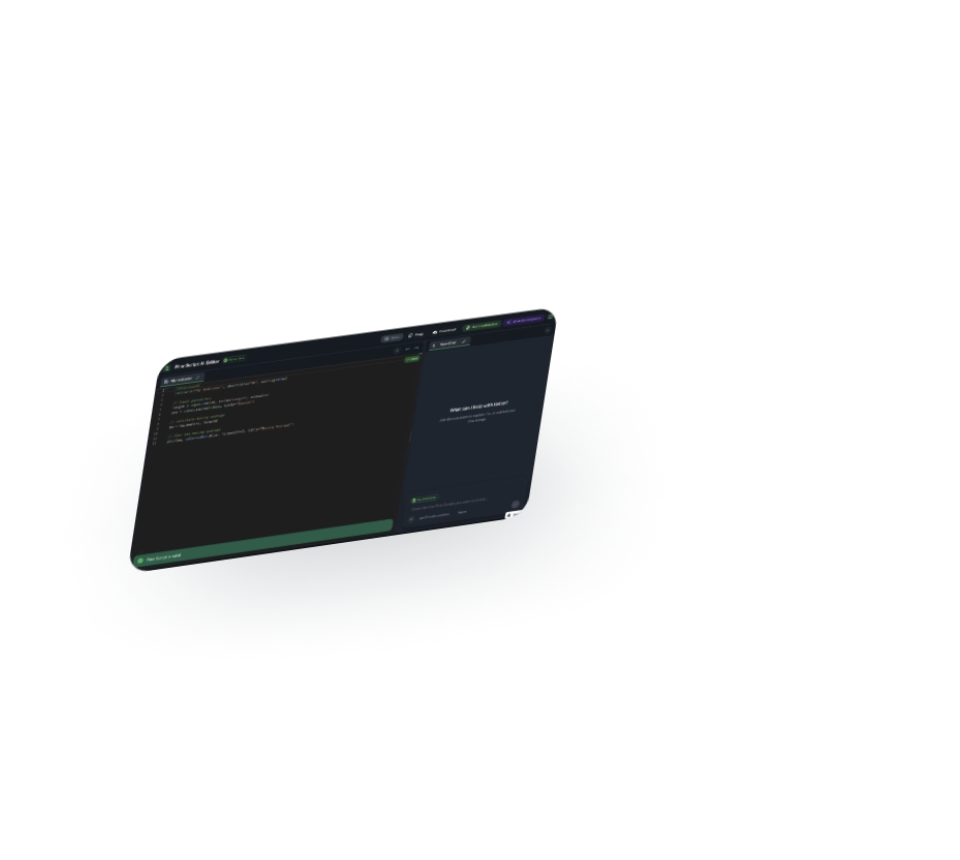
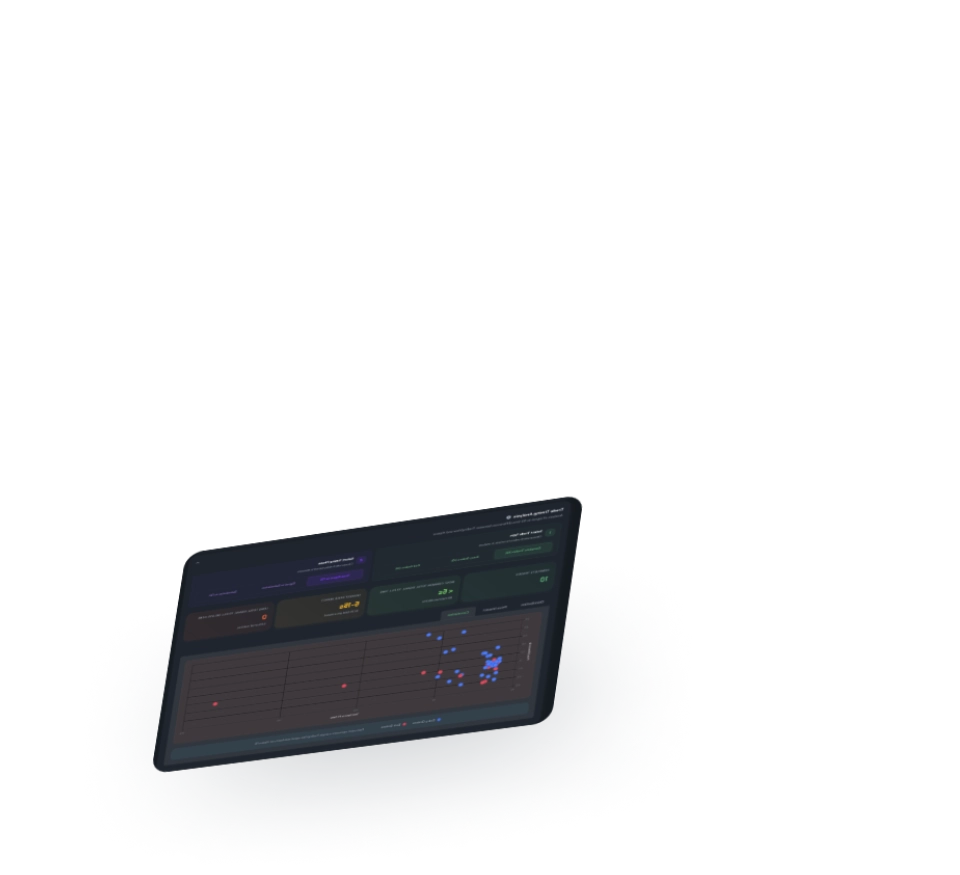
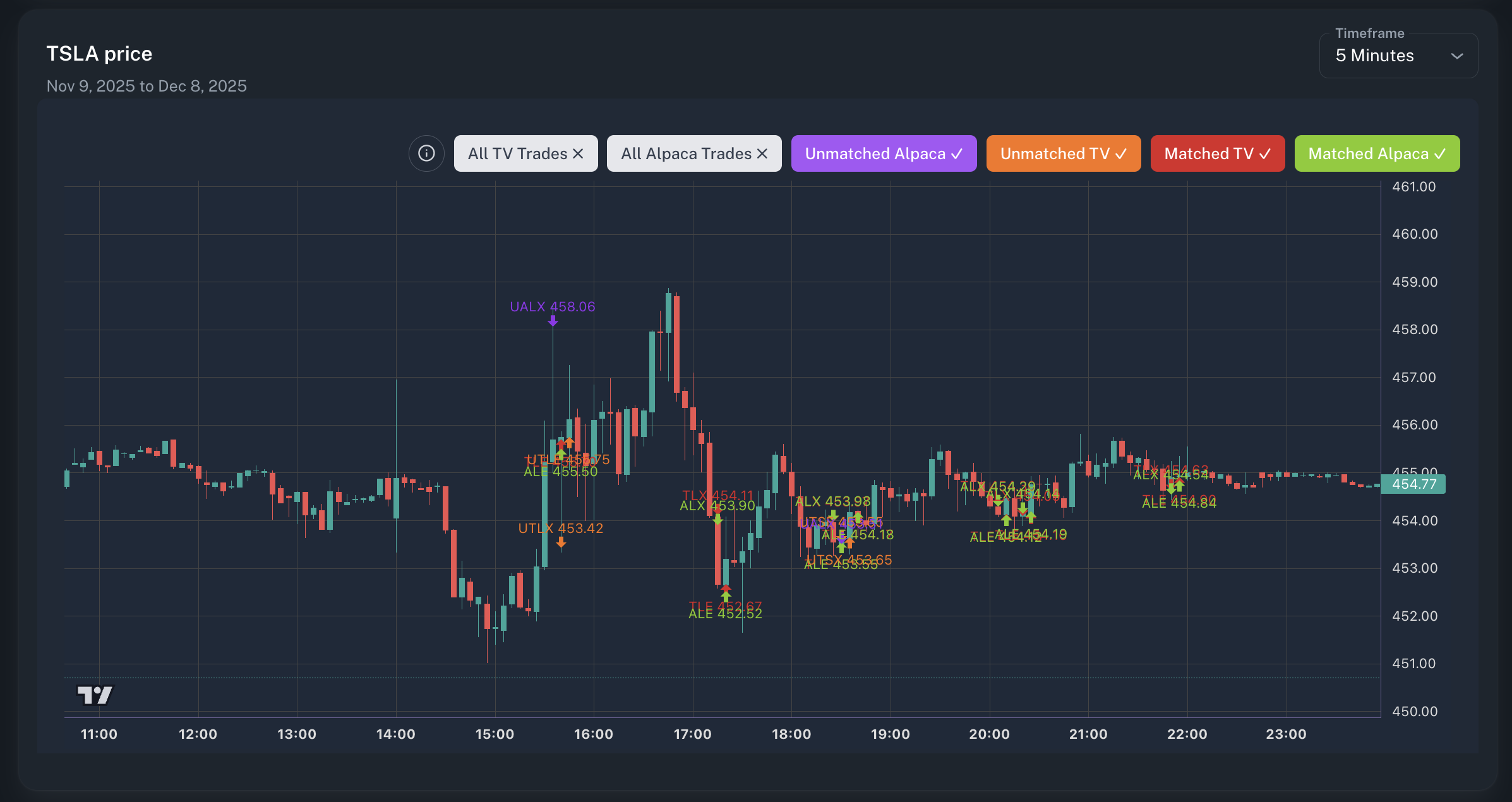
Line up backtests, alerts, and fills in a single flow. Tune tolerances, filter problem trades, and see mismatches in real time so you can ship fixes faster.
Fix the backtest-to-live gap
Spotlight on the tools that align your TradingView backtests, real-time alerts, and live fills—so execution matches intent.
Beta-friendly pricing
Start free during beta. Paid plans include monthly AI credits with optional top-ups after beta—no hidden fees, clear limits, and simple plans for algo teams of any size.
Get answers about Algo Trade Analytics
Visualize signals, backtests, and fills together
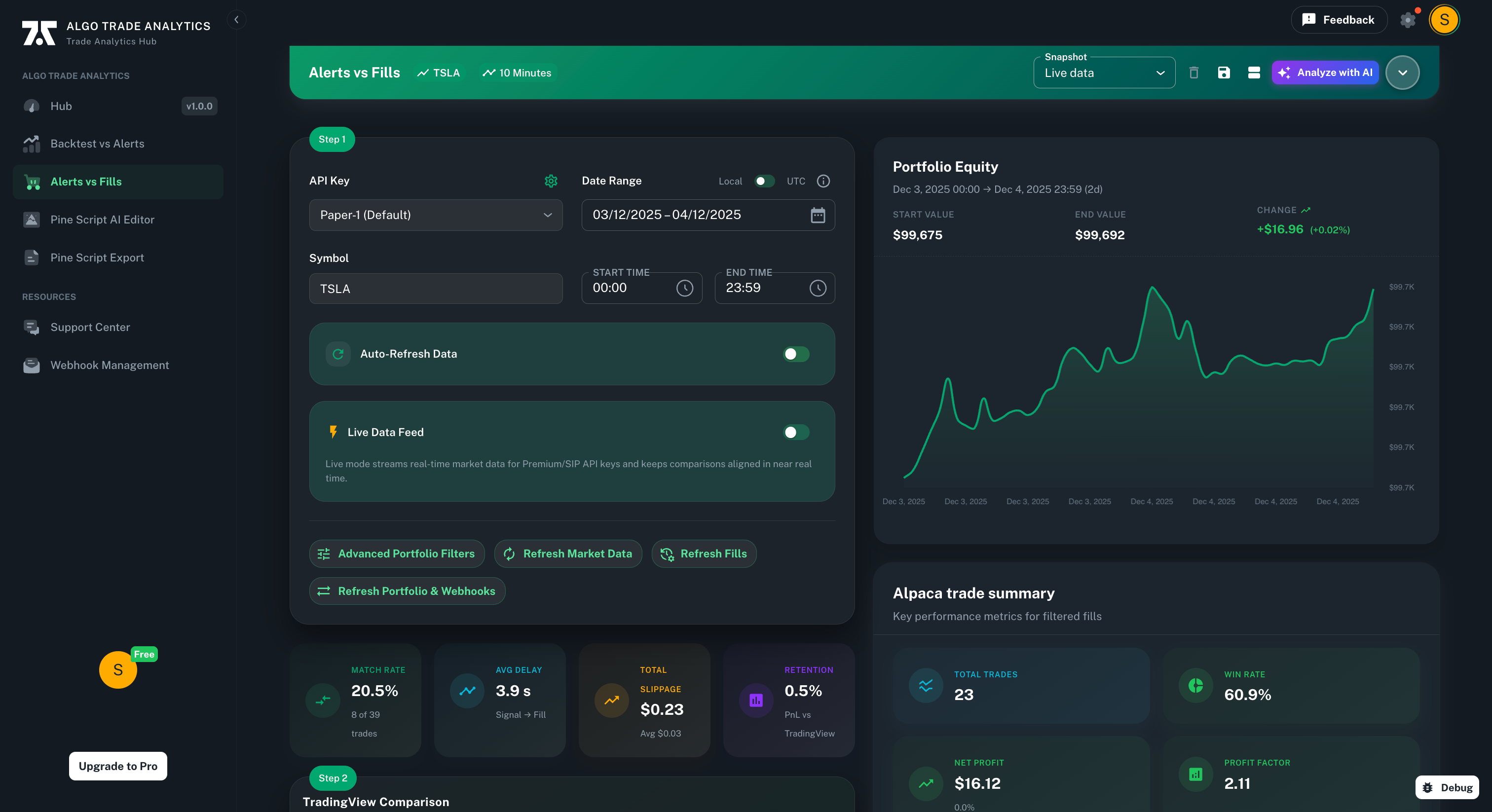
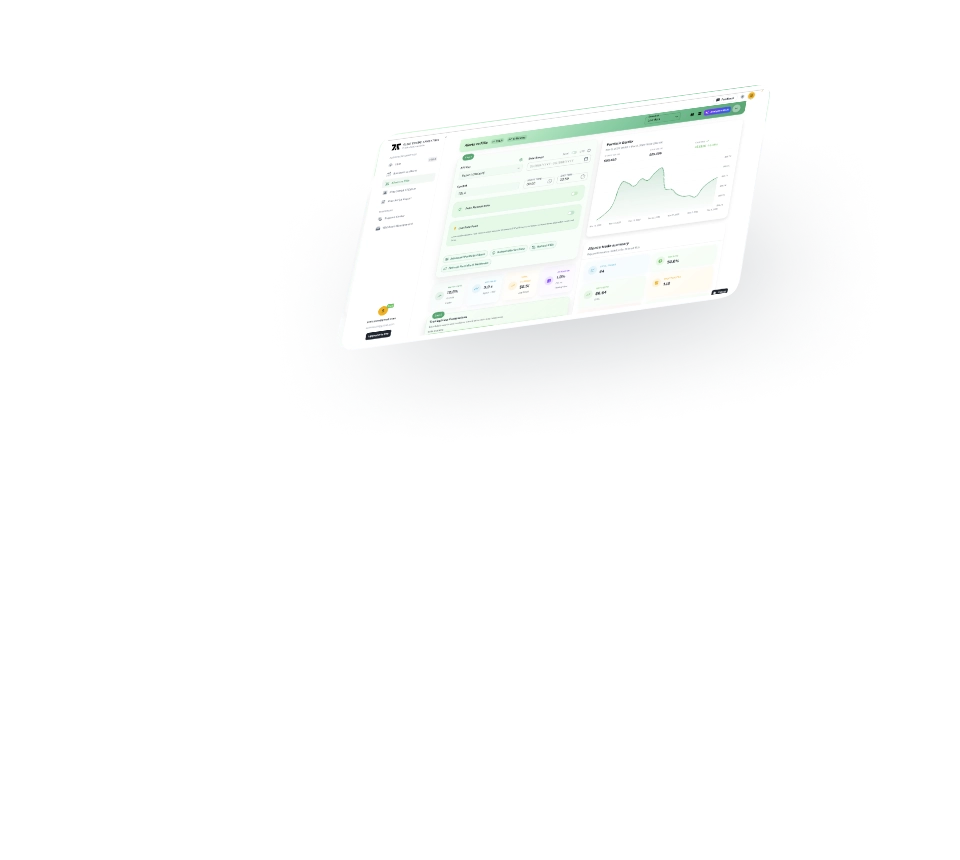
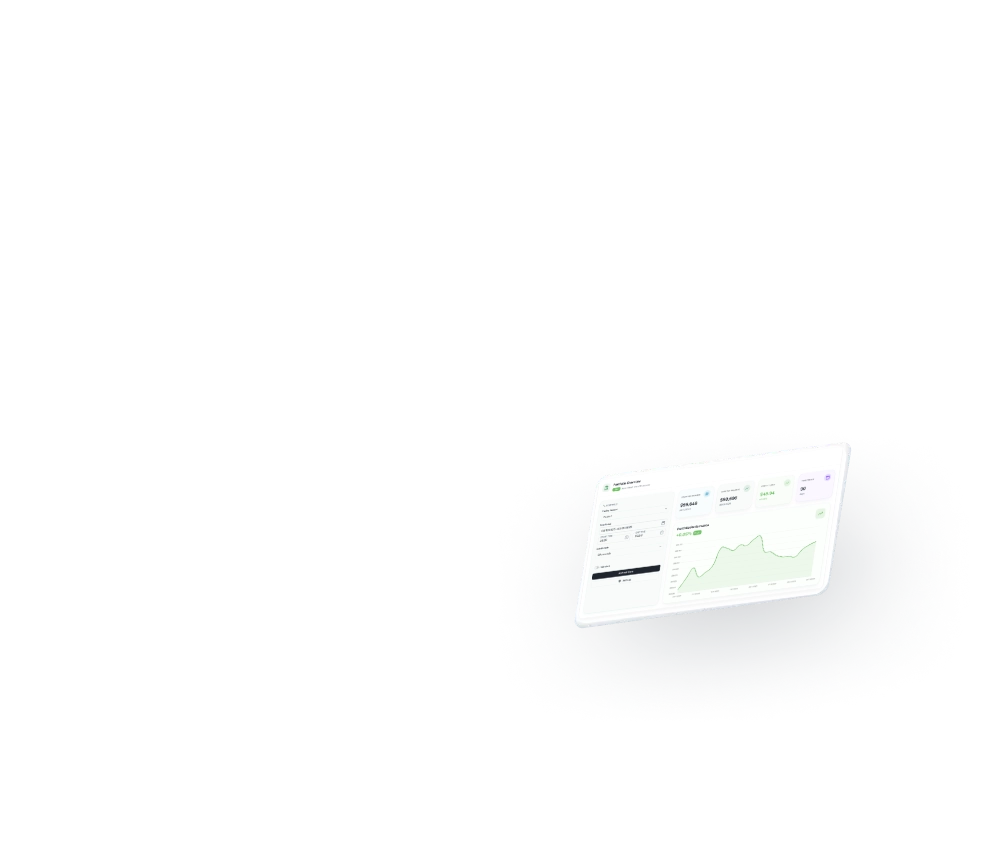
Algo Trade Analytics ships with a pro-grade dashboard to monitor alerts, executions, and performance in one place. No extra template required—just connect your data.